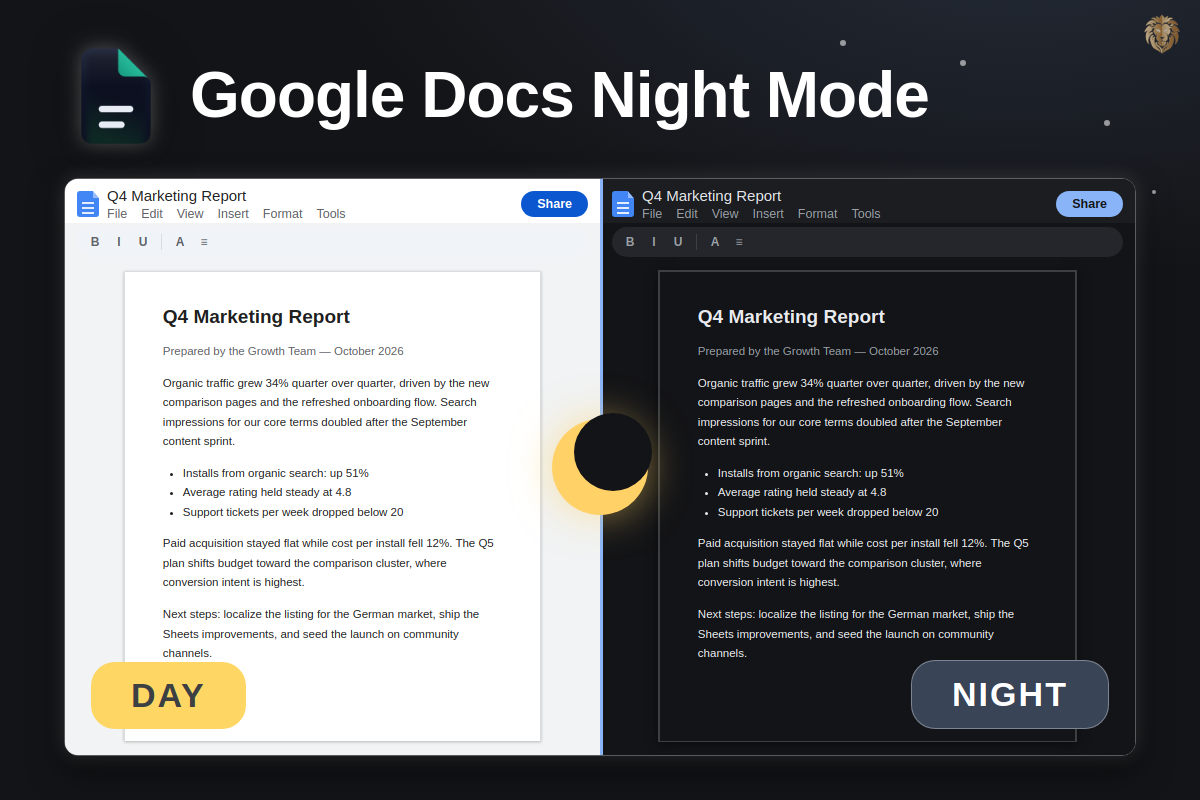
"Night mode", "dark mode", "black background" — people search for all three and mean the same thing: a Google Docs that doesn't blind you at night. Here's every real way to get it, on every device.
Short answer: The Google Docs mobile app has a built-in night mode (Menu → Settings → Theme → Dark). The browser version has none — there, a purpose-built extension like Dark Mode for Docs is the way to get a dark interface without inverting your images.
Night mode = dark mode (same feature)
Google's own docs call it "dark theme", users say "night mode" or ask for a "black background" — all describe the same goal: light text on a dark surface. What differs is only where the setting exists:
- Mobile app (iOS/Android): a native "dark theme" toggle is built in
- Desktop browser: nothing built in — extension or browser trick required
Option 1 — Mobile app: native night mode
- Open the Google Docs app.
- Tap Menu → Settings → Theme.
- Choose Dark (or "System default" to follow your phone's schedule).
This covers Docs, Sheets and Slides inside the app — the document view darkens too, while the printed/exported page keeps its real color.
Option 2 — Desktop browser: extension (recommended)
docs.google.com ships white-only. Dark Mode for Docs adds the missing night mode:
- Dark editor UI in Docs, Sheets and Slides — pages, menus, sidebars, comments
- Your content keeps real colors — images, charts and cell colors are never inverted
- Per-app toggles, plus a menus-only mode if you prefer a white page
- Open the Chrome Web Store listing and click Add to Chrome.
- Reload any open document — night mode is on immediately.
Option 3 — Chrome's "Auto Dark Mode" flag (not recommended)
chrome://flags → "Auto Dark Mode for Web Contents" inverts the entire page — including photos, charts and cell colors inside your document. Fine for a quick test, wrong for real work. Full breakdown: why generic dark mode breaks Google Docs →
What about the operating system's dark mode?
macOS and Windows dark modes only theme the OS and native apps — they don't reach websites like docs.google.com. Nice to have, but it changes nothing in the browser.
Night mode for Docs, Sheets & Slides.
Free on the Chrome Web Store — installed in 10 seconds.
FAQ